 CopyTrans Studio

You can easily cancel your subscription at any time through your Customer Portal by following these simple steps:
1
Open the Customer Portal
Access your portal by clicking this link.
2
Enter your email
Type in the exact email address you used when making the purchase.
3
Check your inbox
You will receive a sign-in email. Click the secure login link inside that email to access your account.
4
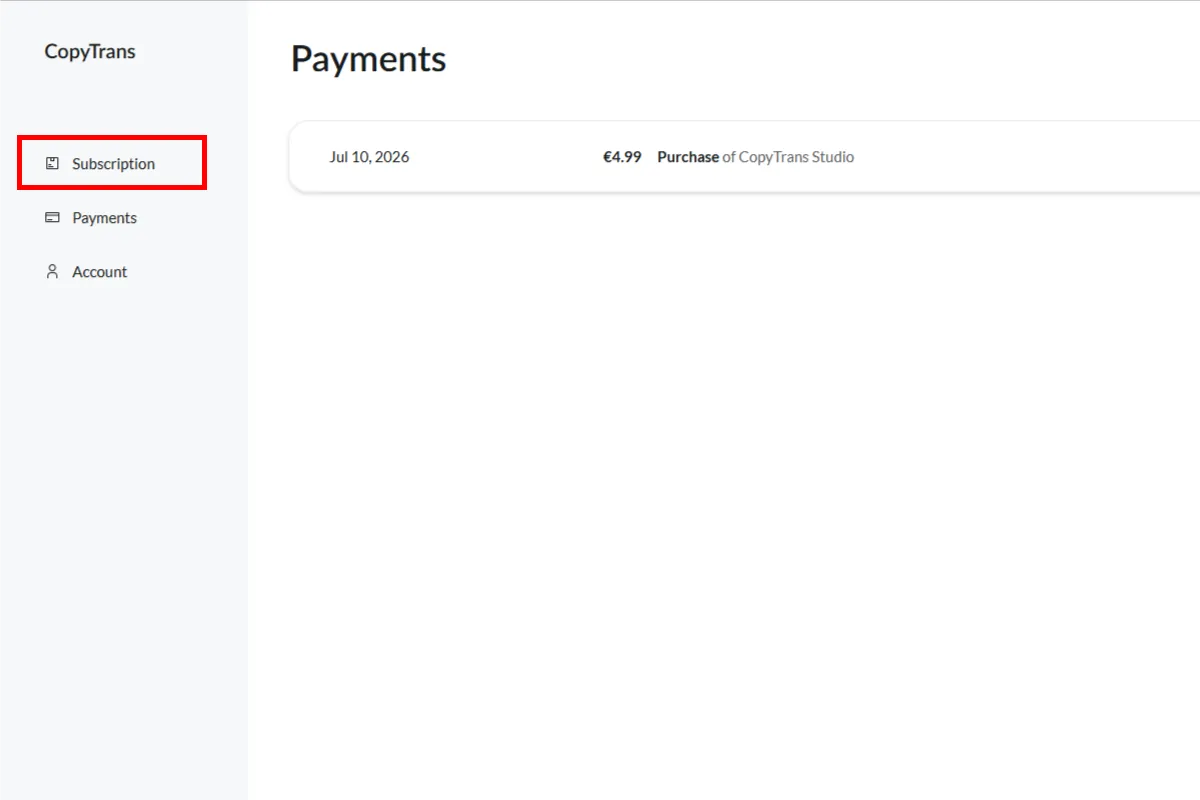
Select CopyTrans Studio in your subscriptions menu.
Select your subscription
Click on Subscriptions, then select CopyTrans Studio.
5
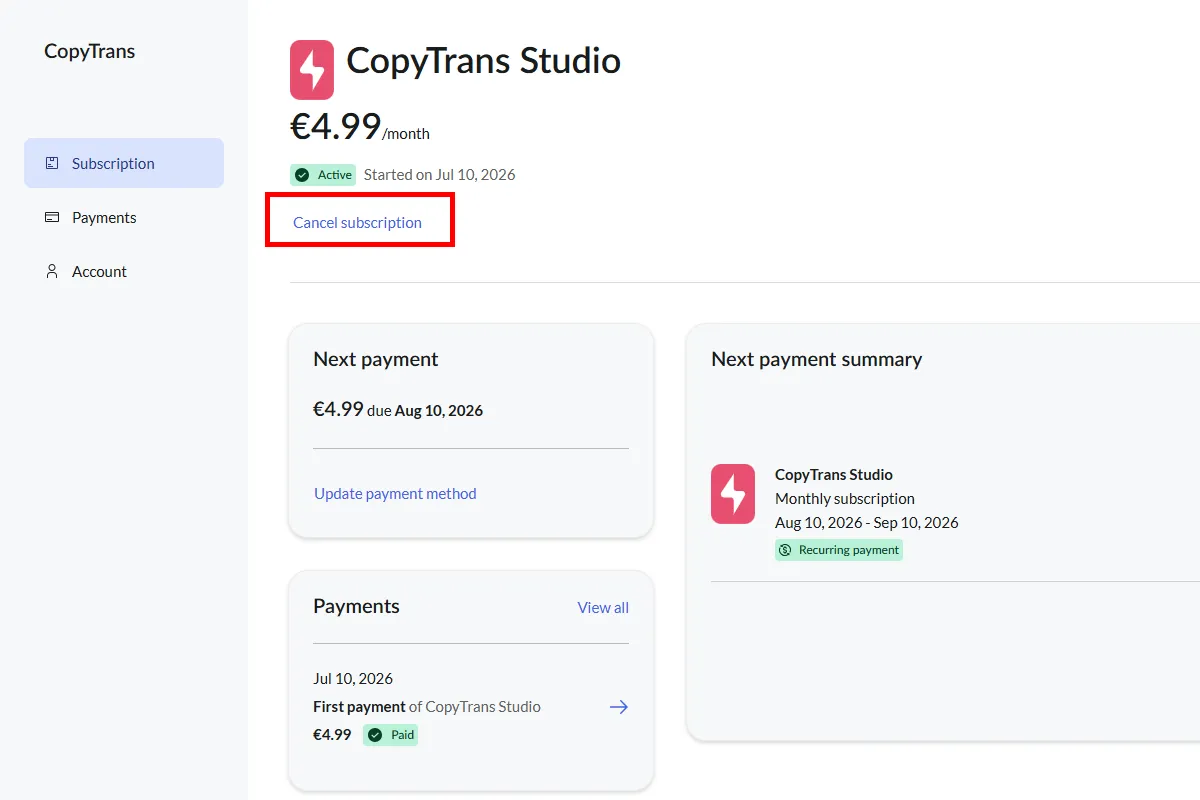
Click the cancel button to terminate the subscription.
Cancel the subscription
Finally, click the Cancel Subscription button.
✅
All set! You will receive a confirmation email shortly after canceling.
ℹ️
Need help? If you encounter any issues, please don’t hesitate to write to us directly at hello@copytrans.studio.