 CopyTrans Studio

In this guide, I’ll show you how to add photos and videos from your PC to your iPhone Camera Roll in seconds.
- Step 1: If you haven’t done so already, download and install CopyTrans Studio for free.
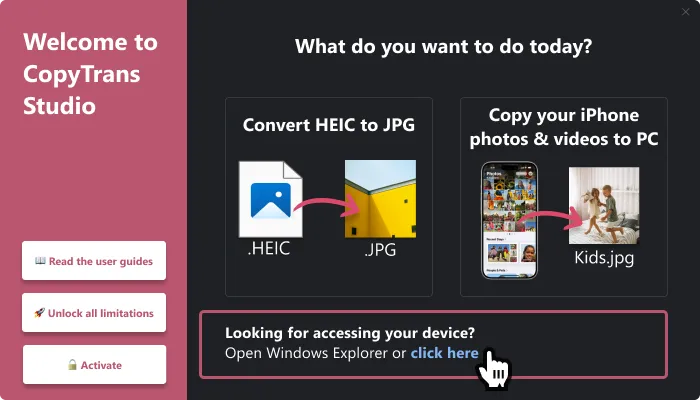
- Step 2: Connect your iPhone or iPad to your PC, then double-click on the CopyTrans Studio icon on your desktop. The welcome window will open. Click on the “Open” button to open your device.
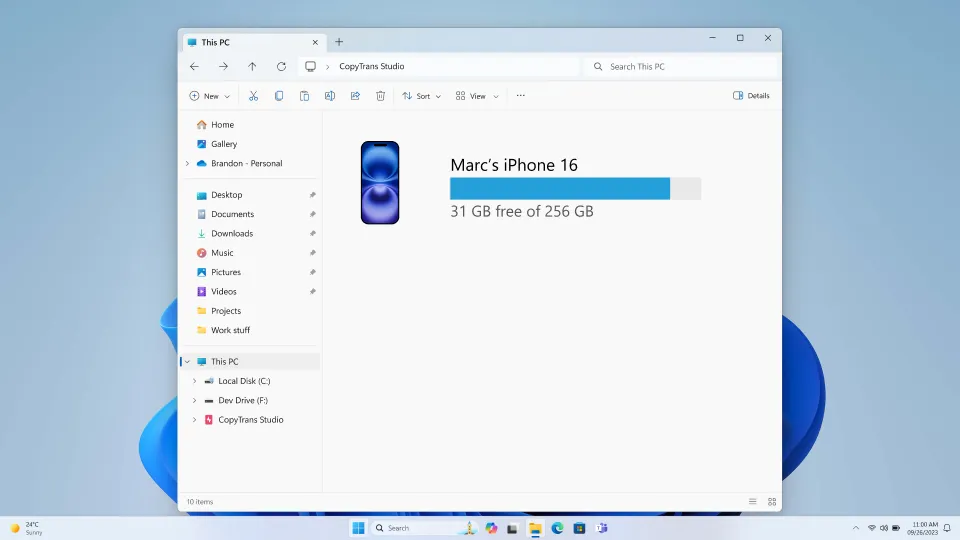
- Step 3: A Windows Explorer window will open. Double-click on your iPhone/iPad icon and continue to Photo Library:
- Step 4: You now have access to your entire iPhone photo library and much more. Open the Camera Roll.
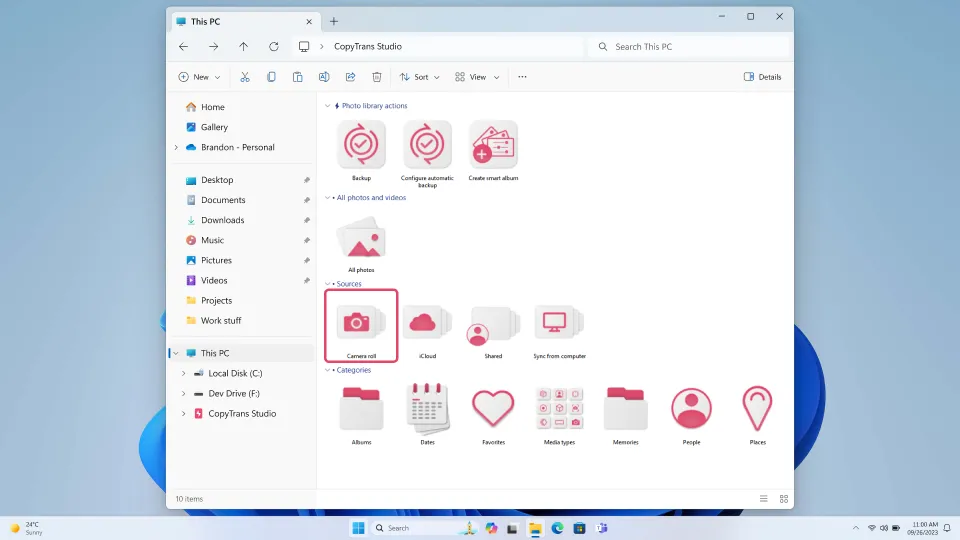
- Step 5: Double-click on “All Photos” to access your photos.
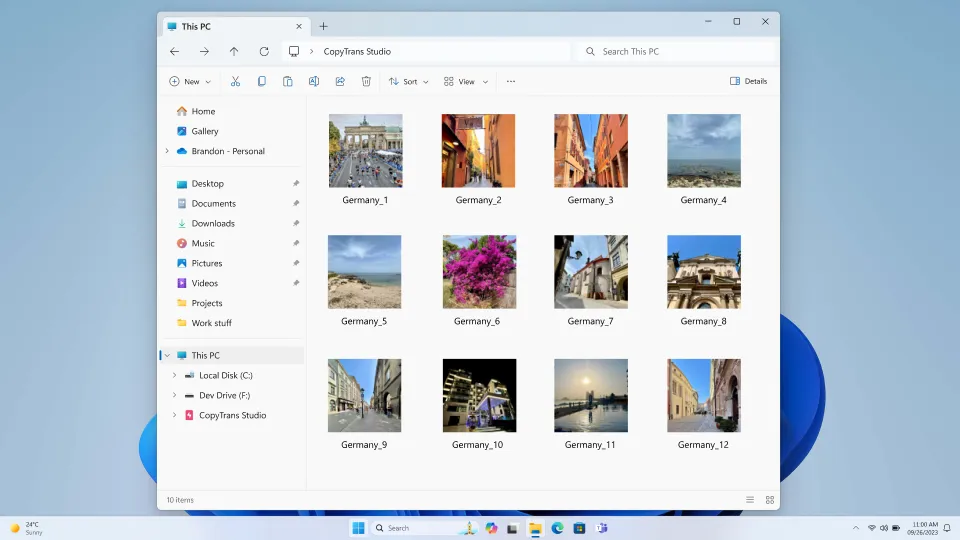
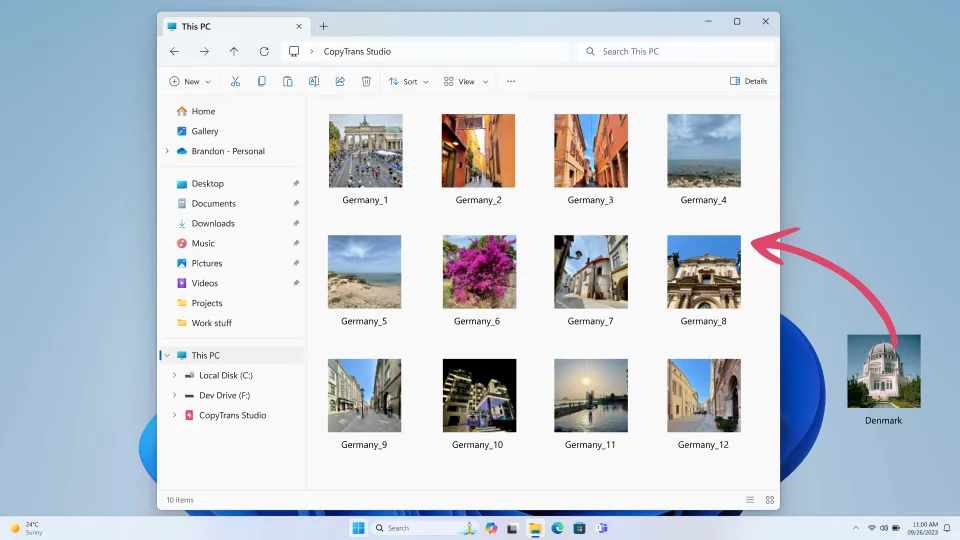
- Step 6: Finally, simply drag & drop the photos or videos from your PC to the folder!